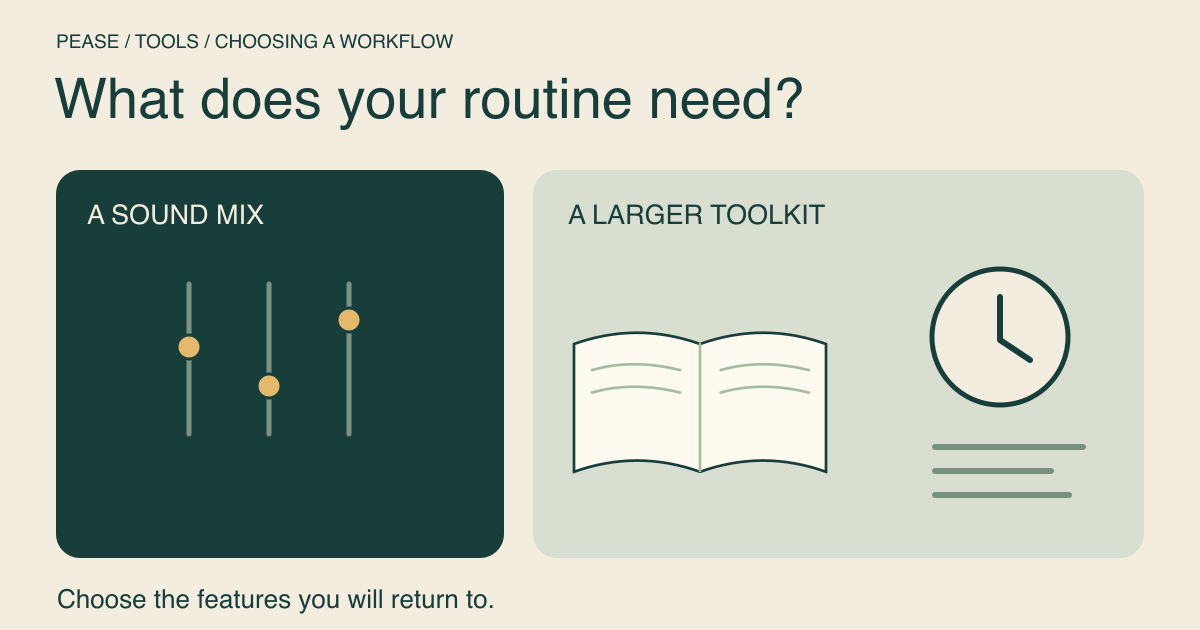
Pease suits a quick, free browser mix; Noisli offers a larger sound library and a broader set of focus tools. If you mainly want to start rain and a fan, try the simpler workflow first. If you want scheduled work sessions, changing playlists and a writing space in the same product, look closely at Noisli’s paid features.
Disclosure: this article is written by the team building Pease. Noisli facts were checked against its official pricing and feature pages on September 22, 2026. This is a documented feature comparison, not an independent listening test or a claim that we tested its paid plan.
The practical differences
| What you need | Pease web | Noisli web |
|---|---|---|
| Start listening | Free, without an account | Free account offered; Free plan has 1.5 hours/day streaming |
| Sound selection | 12 sounds, individually adjustable | 16 on Free; 28 on Pro |
| Save a combination | Sign in to save up to 100 mixes | 5 Favorites on Free; 10 on Pro |
| Timing | Fade-out timer in the mixer | Simple Timer on Free; work/break sessions and more on Pro |
| Writing tools | No built-in text editor | Simple Text Editor on Free; advanced editor on Pro |
| Automatic variety | Choose and adjust layers yourself | Pro includes Oscillation and Shuffle |
| Individual paid plan | No paid web plan currently | Pro displayed at US$10/month when billed yearly |
The Noisli price above is the monthly equivalent for yearly billing, not its month-to-month checkout price. Its page states that shown prices include VAT/GST. Plans and prices can change; check Noisli’s current pricing before choosing a subscription. Pease does not currently impose a daily listening quota, but browser or connection interruptions can still stop playback.
Choose Pease for a small sound-mixing task
If your routine is “open a page, choose two sounds, return to work,” Pease gives you that directly. Start here with rain and a fan. You can listen without signing in; an account is needed only to add the recipe to your cloud collection.
Open the full mixer to change each layer, use the fade-out timer or create a shareable mix link. The article card is a short listening surface and stops when you leave the article. It is not the full mixer with every control squeezed into a blog post.
The tradeoff is a smaller catalogue and fewer work-management tools. If the exact sound you want is absent, a shorter feature list is not an advantage. Pease has a white-noise layer but no separate pink- or brown-noise sounds, and it does not include a distraction-free text editor or an automatic work/break session planner.
Choose Noisli when its extra tools matter
Noisli’s official feature page describes curated Playlists, gradual per-sound volume changes with Oscillation, and Shuffle between combinations. Its advanced timer supports work and break lengths, session counts, automatic starts and daily timer statistics.
The text editor supports Markdown, a word counter and export options. If those features replace separate tools you already use, they may be worth more to you than a quick sound mixer. Check the plan table: a feature described on the general feature page is not necessarily included in Free.
Check the platform you actually use
Noisli’s pricing page says its full web feature set is intended for modern desktop and laptop browsers on Mac or Windows, and warns that mobile access may not support everything. Its site also links iOS, Android and Chrome apps. Do not assume a web subscription, mobile app purchase and feature availability are interchangeable; consult its apps page and the relevant store listing.
Pease is available as a website and installable PWA. Browser background playback, offline caching and lock-screen behavior depend on the device and its settings. Try the setup you intend to use before relying on it for a long session. This comparison covers Pease web and does not promise an available native app.
A decision you can make in one session
Choose one task and identify the feature you will actually use: a saved rain mix, a timed work/break routine, a text editor or a particular sound. Try the available free experience on your own device. If Pease’s smaller mixer covers that task, you may not need more. If Noisli’s tools solve a recurring need, its paid plan deserves consideration.
For recipes to compare before deciding, start with background noise for studying or the rain versus white noise listening guide. Neither a longer feature list nor a pleasing preview proves better focus for everyone.