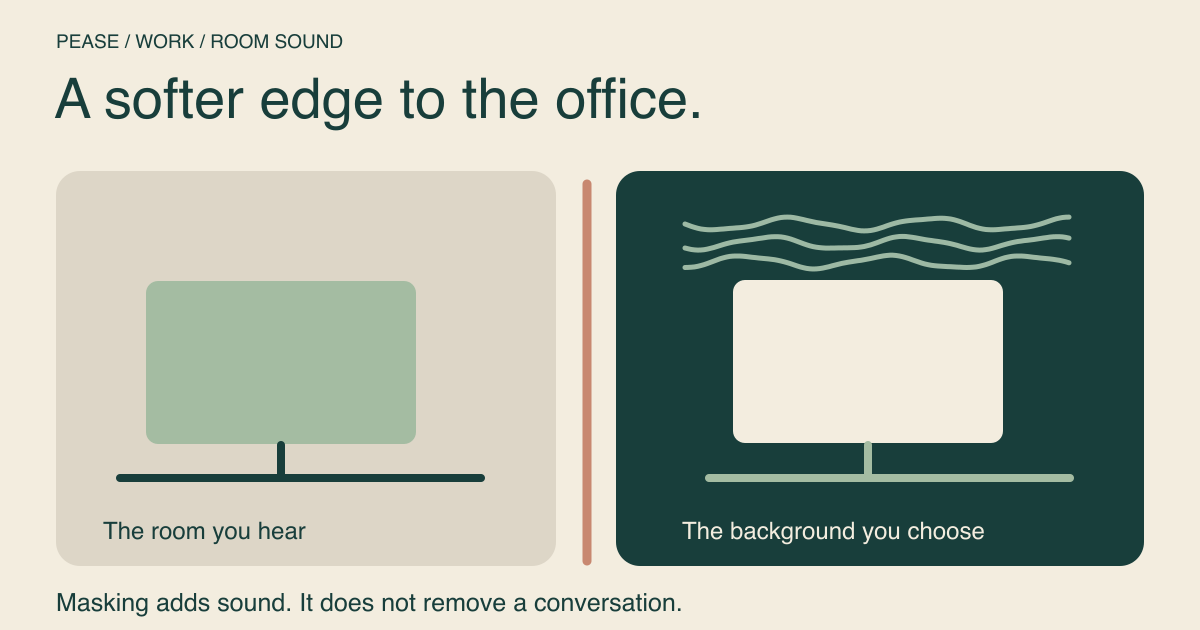
Background noise can make occasional room sounds less prominent, but it cannot guarantee privacy or erase a nearby conversation. For work, start by identifying whether the distraction is in the room, in your headphones, or in what your colleagues hear through your microphone. Those need different fixes.
Masking, blocking and microphone cleanup
| Approach | What it changes | What to expect |
|---|---|---|
| Background sound | Adds a sound you hear | May reduce the contrast of interruptions; does not remove them |
| Distance, doors or headphones | Changes the noise reaching your ears | Effect depends on the room, fit and noise; headphones vary |
| Call noise suppression | Processes your microphone signal | Helps the other person hear you; does not quiet your room |
Pease is in the first category. Playing rain on a speaker does not turn a room into a soundproof office, and it may be picked up by your microphone. It also does not make a confidential conversation safe to have within earshot of others.
A starting mix for a changeable room
This recipe combines a fan, rain and a smaller white-noise layer. The idea is to give you a continuous background with a texture you can adjust, not to overpower other people. Start with low device volume. The card percentages are relative controls, not decibels; three layers together can feel louder than any one alone.
Listen briefly, then return to an ordinary work task. If the hiss attracts your attention, open the mixer and lower white noise first. If the rain feels too detailed, lower it and keep the fan. Avoid repeatedly adjusting everything while trying to finish the same paragraph.
When nearby speech still cuts through
Use the words as a practical signal. If you can still follow the conversation and find yourself responding to it internally, the mix may not be enough at a comfortable level. Before raising it, try moving farther from the speaker, changing rooms or closing a door where appropriate. Ask for a quiet block when the work requires it.
Headphones can keep your chosen background sound from becoming someone else’s distraction. Their isolation depends on the design and fit, and active noise cancellation is not a promise that speech will vanish. Keep alarms and necessary communication audible. If a sound feels uncomfortable, lower it or stop.
Match the mix to the kind of work
For writing and close reading, try fewer layers and compare with silence. For administrative work, a busier scene may feel pleasant. A cafe can be a useful atmosphere for some people, but recorded chatter can compete with words just as real chatter does. The cafe ambience guide includes a way to simplify that mix.
At home, changes to the room often matter more than your recipe: a washing machine finishing, a delivery arriving or someone starting a call can change the problem halfway through the afternoon. Reassess the noise source rather than assuming the mix has failed.
Before your next meeting
- Pause background audio or use headphones before a call.
- Check the meeting app’s selected microphone and its noise-suppression setting.
- Use the app’s microphone test if available. What sounds unobtrusive to you may still reach the microphone.
- After the meeting, restart only the background you still need.
No sound recipe here filters outgoing audio. If your goal is cleaner recorded speech, solve that in your call or recording setup.
Keep a useful work recipe
After a few ordinary work blocks, save the recipe if you prefer it to a quieter setup. Name it for the situation, such as “afternoon shared office,” so it is easier to choose later. Saving the card keeps its listed recipe; to save your own adjustments, open the mixer, change the layers and use its save control.
For more options without added music, try the five study mixes. None is a treatment for an attention condition or a promise of higher productivity; the useful test is whether you want it on while doing your work.