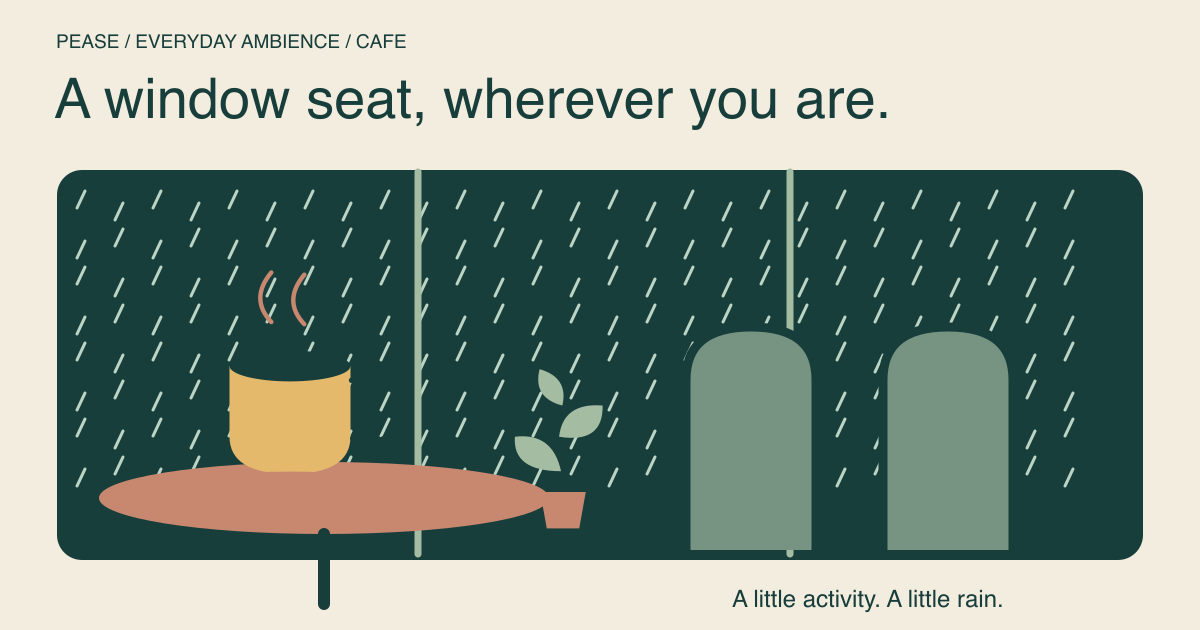
A cafe mix can give a quiet room a sense of activity without making you choose another playlist. Start with the cafe layer low, add rain if you want a softer surrounding texture, and see whether the atmosphere stays in the background once you return to your task.
The mix below adds no separate music or piano layer. That does not mean a cafe recording is equivalent to silence or a speech-free noise generator: room ambience can include chatter and other noticeable details. Preview it before choosing it for reading, calls or language study.
Start with rain outside the cafe
The cafe is the setting; rain is the continuous backdrop. Treat these slider values as a starting balance, not an ideal loudness. Start with your device volume low, especially if you are using headphones.
Let it run while you do a familiar task for a few minutes. If you keep noticing the cafe details, open the mixer and lower cafe first. If the rain is what you notice, lower that instead. Removing a layer is often more useful than adding a third one.
What kind of cafe atmosphere are you after?
| You want… | Adjustment to try | Listen for |
|---|---|---|
| A rainy window seat | Keep rain ahead of cafe | A background that feels continuous |
| A busier room | Raise cafe gradually | Details becoming the main thing you hear |
| Less chatter while reading | Lower or remove cafe | Whether you return to the sentence more easily |
| A simple non-musical texture | Switch to rain and fan | Whether fewer changing details suit the task |
“No music” and “no distraction” are different requests
When searching for coffee shop sounds without music, check what the actual recording contains. A title can describe a broad mood without telling you whether there is conversation, clattering crockery or a pronounced repeating event. Those details may be exactly what you like, or the part that interrupts your reading.
If you require a background without voices, use a non-cafe recipe rather than relying on rain to hide the voices. Try this simpler option with no cafe or piano layer:
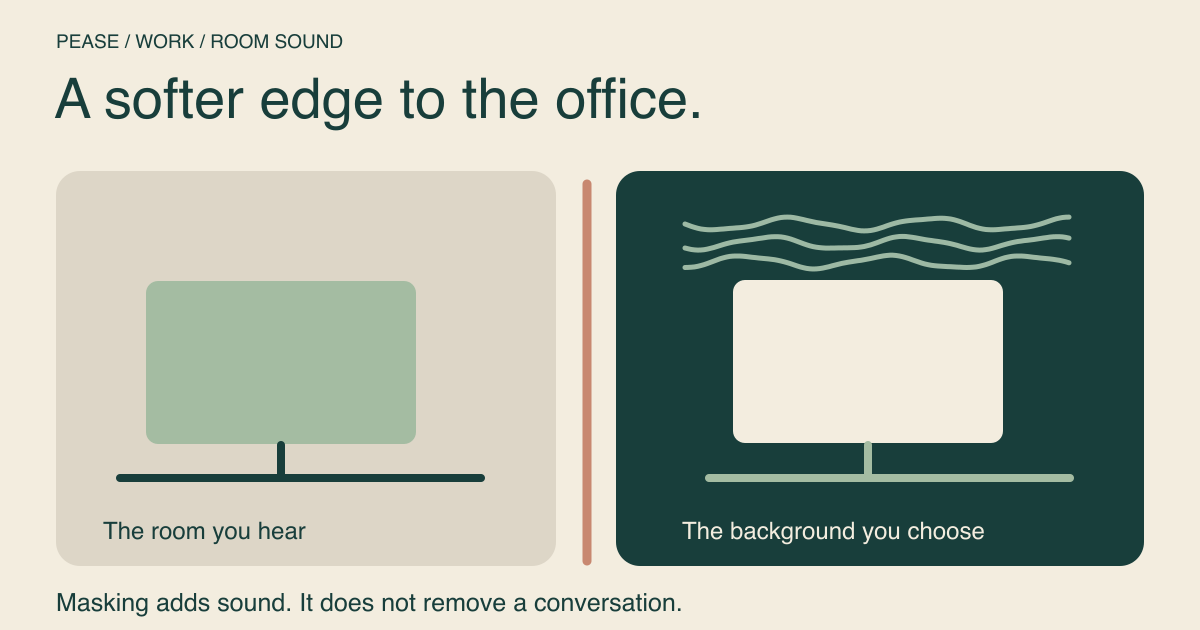
Neither recipe can remove people speaking in your real room. For that problem, our work noise guide separates sound masking from physical noise reduction.
Try it on a task, not just as a preview
A pleasing ten-second preview is not the same as a useful writing background. Choose something ordinary: sorting photos, making a list, sketching a layout or drafting a short email. Leave the mix alone for one block, then ask whether you spent more time on the task or on the sound.
For reading or working with unfamiliar words, compare with rain alone. For a break, you might prefer the more active cafe scene even if it is not your choice for focused work. You do not need one soundscape to do both jobs.
Save the version you want to revisit
The card’s Add to My mixes action saves its displayed layers after you sign in. To change the balance first, select Adjust in the mixer, move the individual sound sliders and save from there. A name such as “rainy cafe — planning” tells you more later than “mix 4.”
If you would rather stay somewhere quieter, try fireplace and rain for reading. It swaps the public-room atmosphere for a smaller, sheltered scene. Choose by how it feels during the activity, without treating a particular environment as a productivity guarantee.